History / PI · 0.2–0.3
Raspberry Pi Compa: Recall, Link Audio and Network MIDI
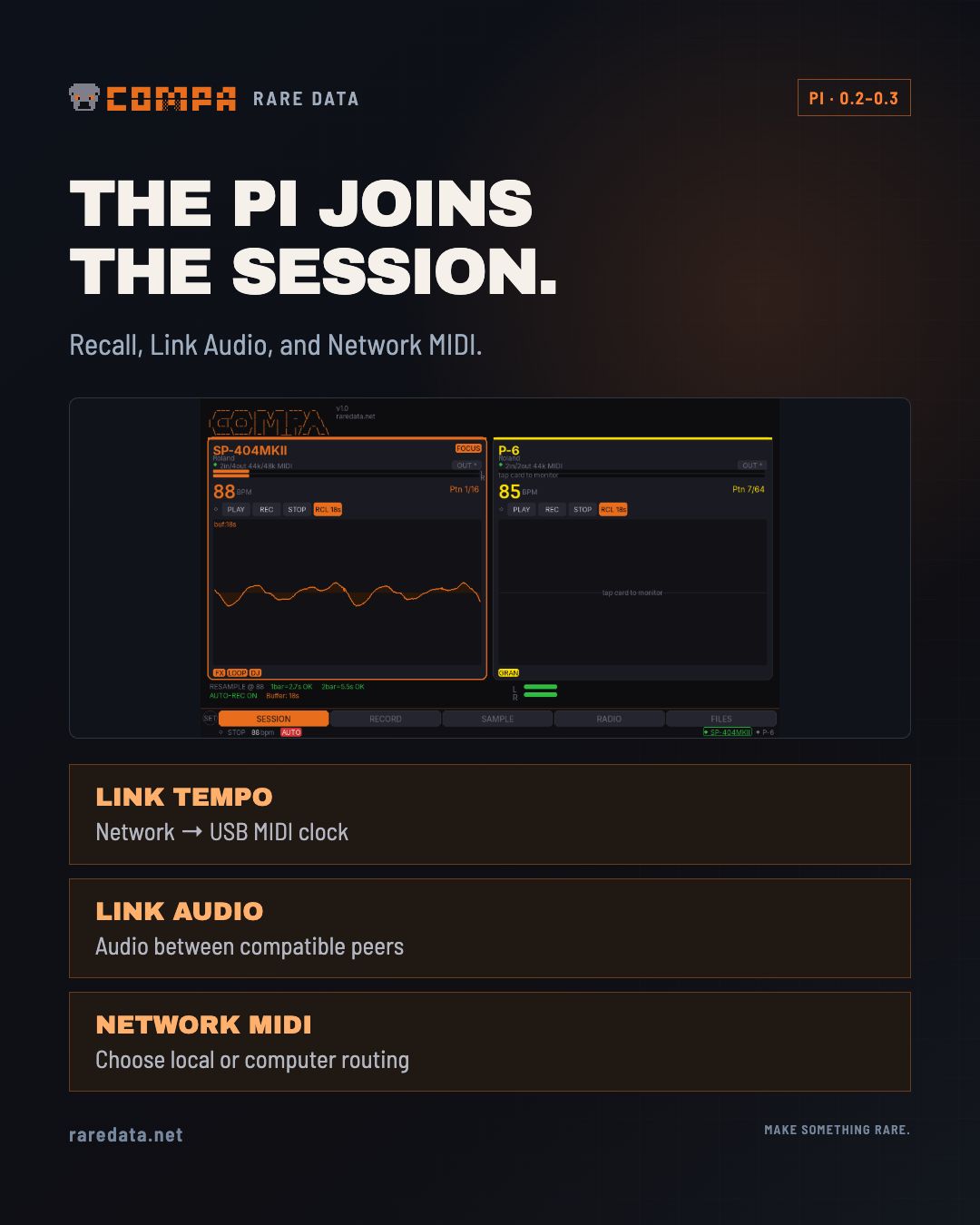
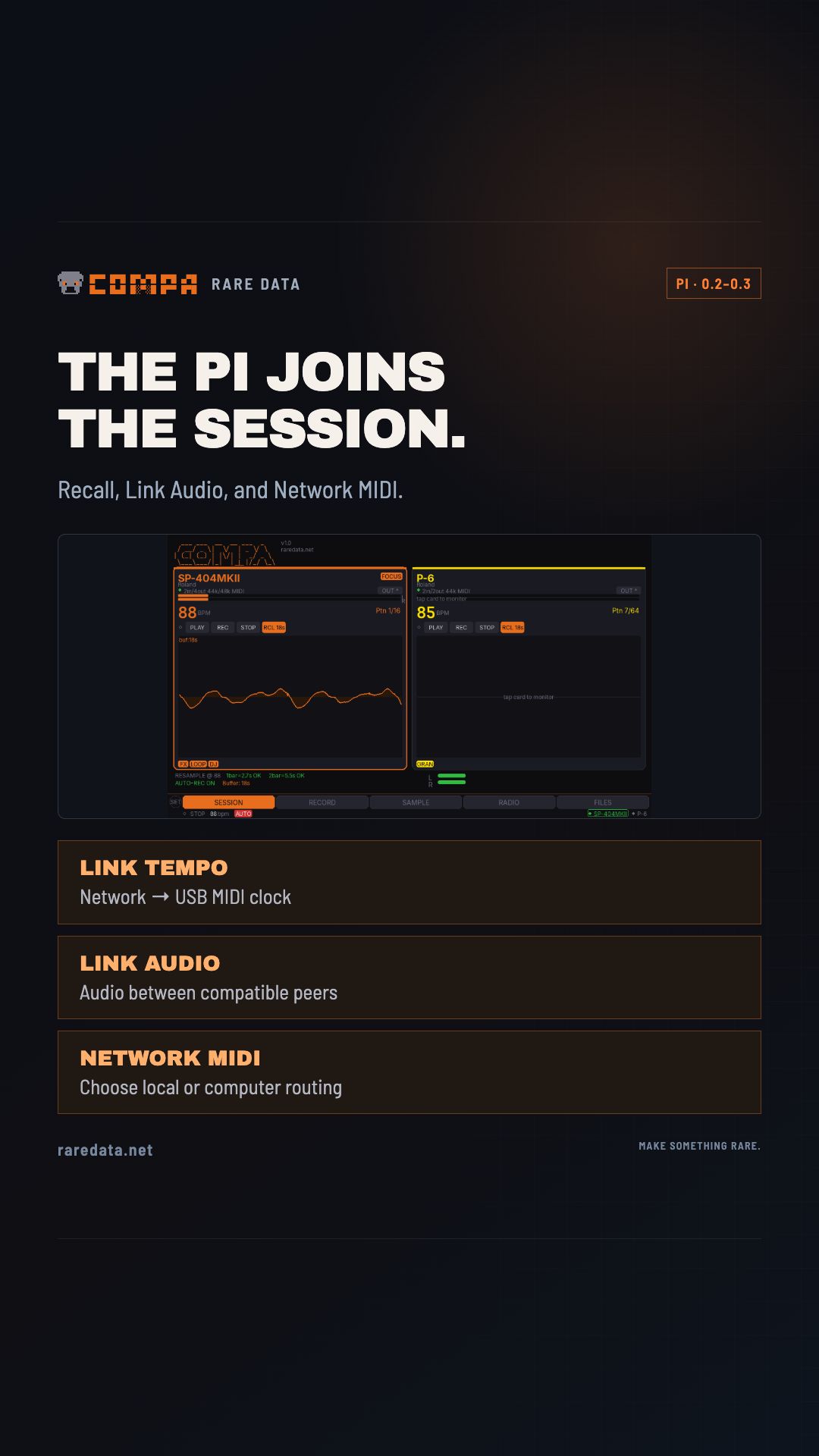
After Link clock came a more useful companion: recover the take, keep recording, move audio over the network, and choose whether a controller plays local hardware or the computer.
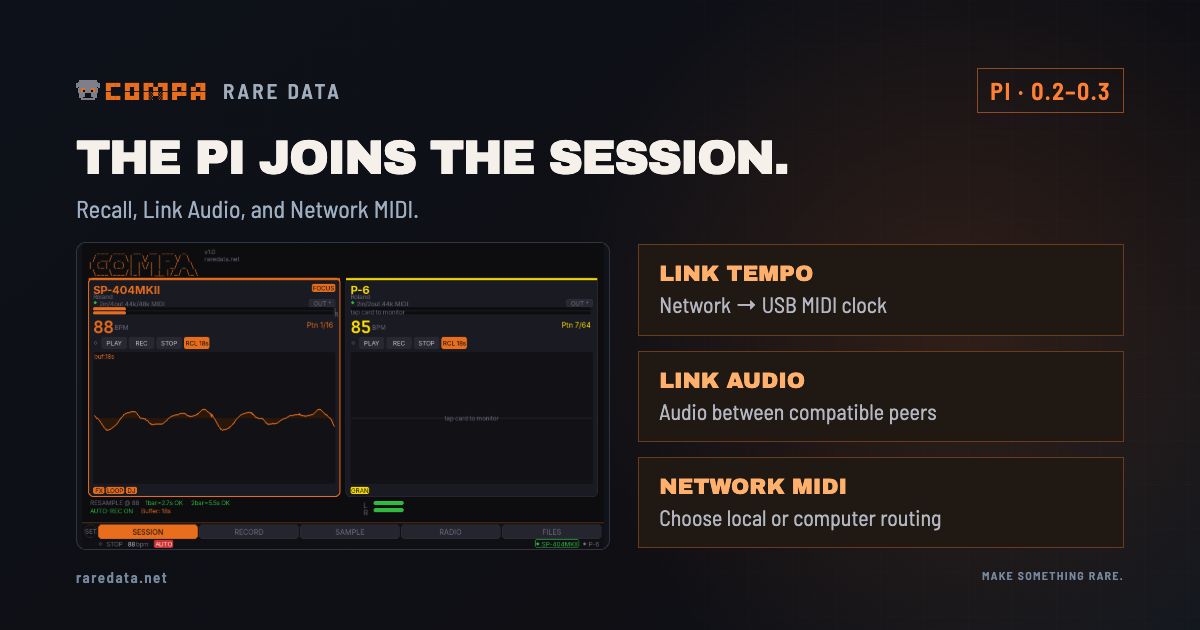
The first Link work gave the Raspberry Pi a place in a networked session: listen to Link tempo and send MIDI clock to the connected hardware. The next question was what else that little screen beside the samplers could keep out of the way.
In May, the answer grew into capture, recall and routing. This is the original Raspberry Pi Compa project, separate from the later iPhone and iPad app.
May 10: keep the part before Record
Version 0.2.0 made the recall buffer more useful during a real take. The +REC button saved the audio already in the buffer and continued recording into the same WAV. A configurable pre-roll could also be added to an ordinary recording, and the buffer length became adjustable.
That changes the moment after a good phrase. You can keep playing while the recording catches up with your decision to save it. The buffer still has a finite length; it holds the recent audio available to Compa.
The SP-404 MKII workspace also gained more usable DJ, looper and pattern controls. These controlled the SP-404’s own modes over MIDI. They were an earlier hardware-control chapter, distinct from the sample-playing DJ decks later built into COMPA for iPhone and iPad.
Three different network jobs
It helps to separate the jobs that can otherwise get folded into the word “Link”:
| Connection | What it carries |
|---|---|
| Ableton Link tempo | A shared timing reference for compatible peers |
| Link Audio | An audio stream between compatible senders and receivers |
| Network MIDI | Notes, controller messages and other MIDI data |
The Pi’s Link Audio send path entered the source on May 3, using PyLinkAudio to publish the recorder input to a compatible receiver such as Live’s Link Audio implementation. Receive work followed, including a May 13 change to listen to and mix non-self audio channels instead of selecting only the first one.
USB still connected the samplers to the Pi. The network carried the connection between the Pi and the other compatible peer. Neither Link tempo nor Network MIDI silently replaces the audio connection.
May 14: choose where a controller plays
Version 0.3.0 added a per-controller “Bypass local · send to network only” choice. A keyboard or MIDI controller could go straight to the computer through Network MIDI while the other devices continued working locally. Turn bypass off to return it to the focused Compa device.
The release also included the Network MIDI service in fresh images and moved recorder operations away from the interface thread. Those changes addressed the practical gaps between a working development setup and a newly installed Pi.
The work continued after the feature release
The May 15 version 0.3.1 release corrected first-boot and touchscreen-calibration problems and included the Link dependencies in the image. Version 0.3.2, dated June 28 in the changelog, followed with updater, documentation and radio improvements.
In July, the Roland T-8 joined the project, bringing another set of hardware limits and playing workflows into the same companion idea.
Read the original Link-clock story · Explore the Pi source and releases
Sources & useful links