
Build stories / 1.5 · RELEASED
COMPA 1.5: From a Rhythm to a Song
Rhythm Dog 808 joins COMPA, with expanded MIDI and automation editing, exact control help, Apple Watch and a clearer path into Launch and Arrange.
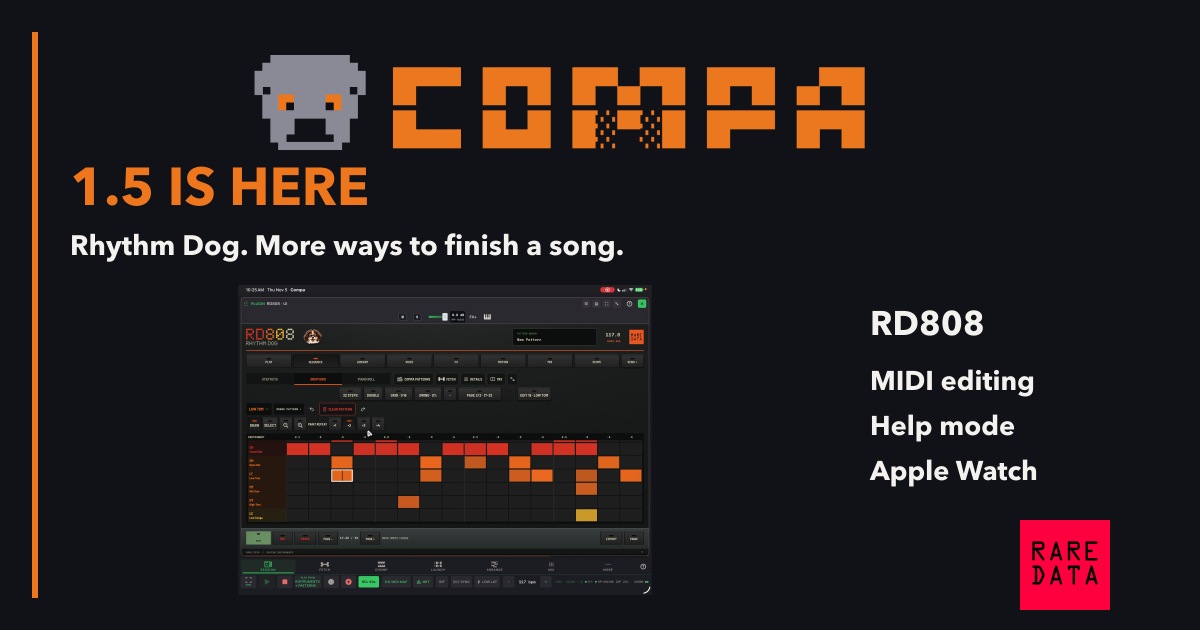
COMPA 1.5 is here. This update is about giving an idea a clearer path from the instrument you play to the song you are building.
Some days my groovebox is the center of the session. Other days I want to work in Launch or Arrange and treat the hardware like an instrument in a DAW. COMPA needs to make sense in both situations. That is where much of the work in 1.5 went.
A rhythm of its own
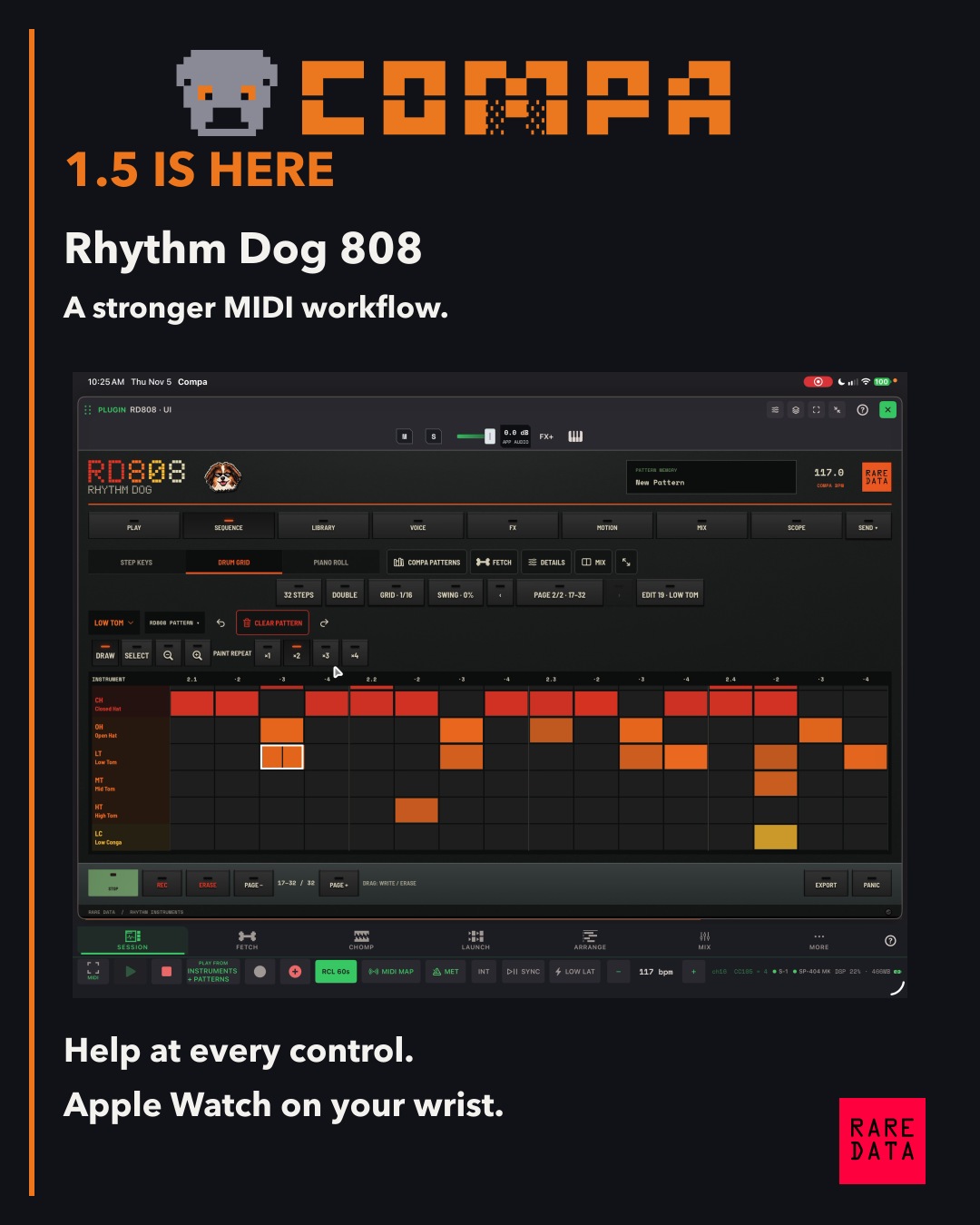
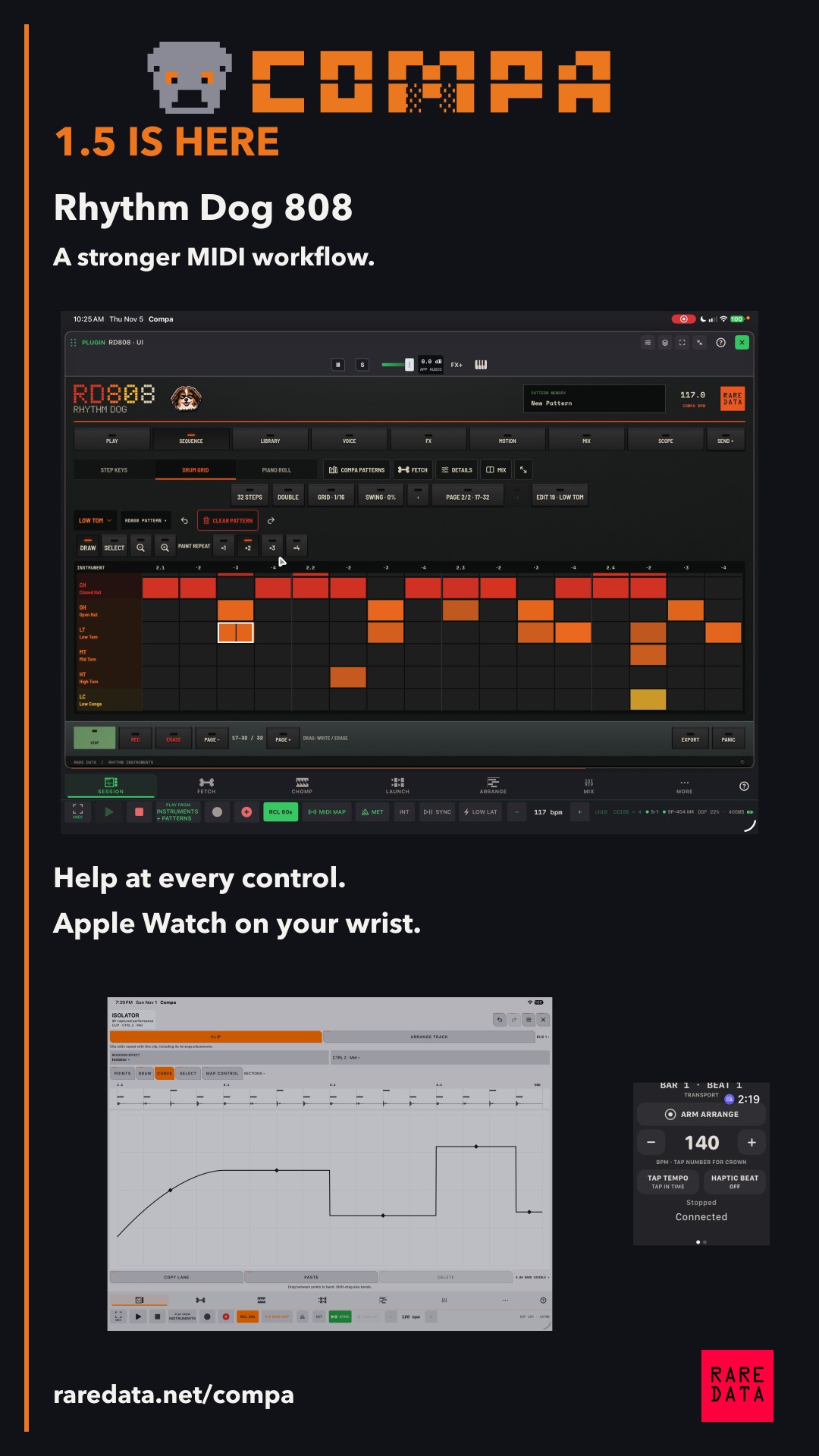
The new instrument is RD808, Rhythm Dog 808. Boogie gets the pixel portrait beside its name, complete with his sunglasses.
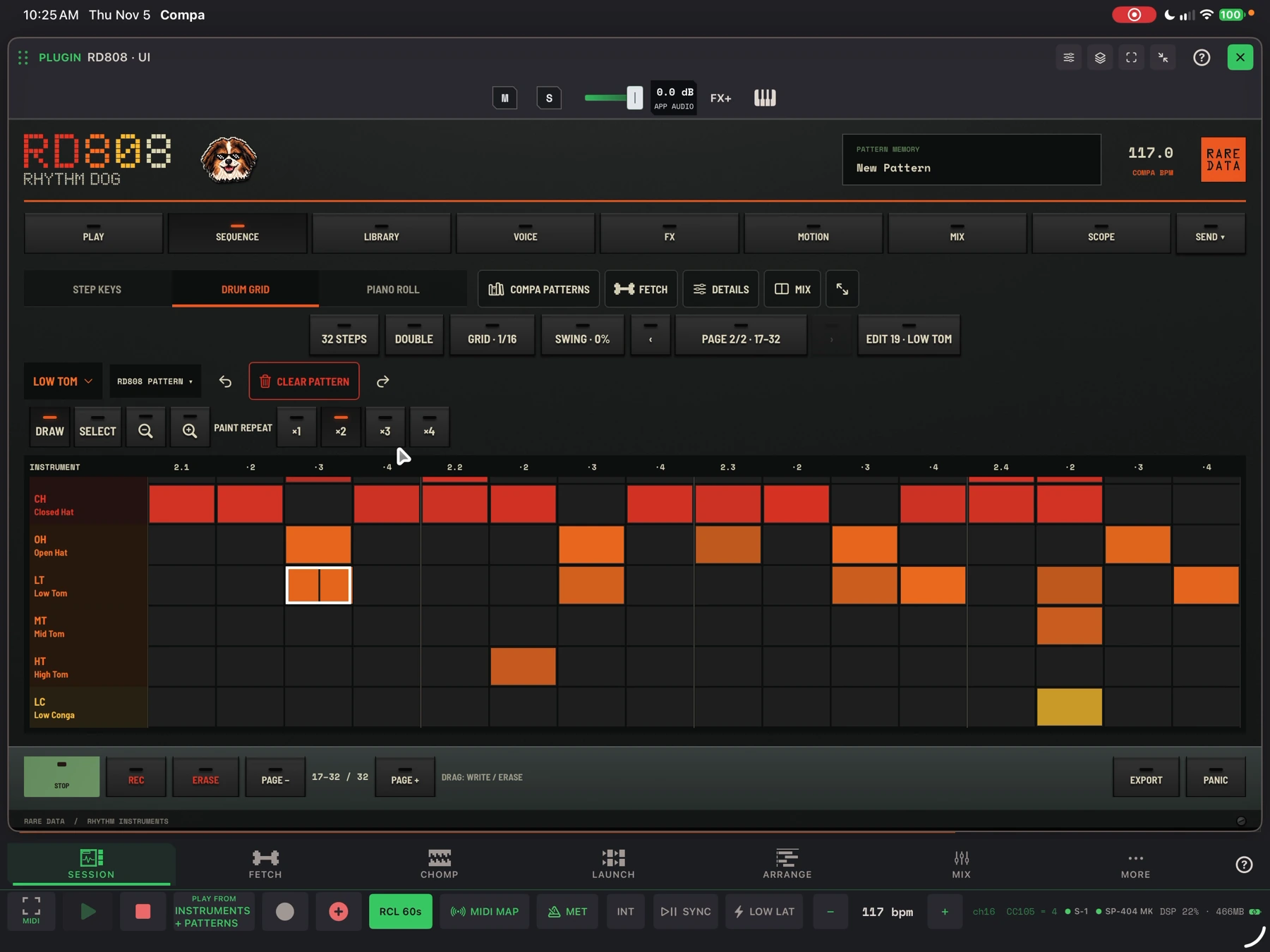
It has 17 parts and a chromatic keyboard for playing individual sounds as notes. Build a groove, FETCH a variation for the full kit or selected parts, record movement, then hold a pad or key in ERASE mode to remove just the part of a performance you want to change. In a wide window, the mixer can sit alongside the sequencer.
Keep working on the same idea
An RD808 or RD303 pattern can go straight to Launch or Arrange. CHOMP’s recorded sequences and COMPA’s other MIDI clips share more of the same editor, with named drum rows, per-part piano rolls, per-hit controls and draggable loop boundaries.
The point is to make those next steps feel familiar: record, edit, try the part in a song, or export the MIDI to another studio. Capture and CHOMP have been part of COMPA for a long time. This release improves what you can do with the material afterward.
See what the automation belongs to
Automation needs the music around it. In 1.5 you can see the MIDI notes or waveform while editing the control movement. For captured SP performances, you can change the effect and keep the recorded gesture, then remap individual controls if you want to take it further.
Explain the control, then show the page
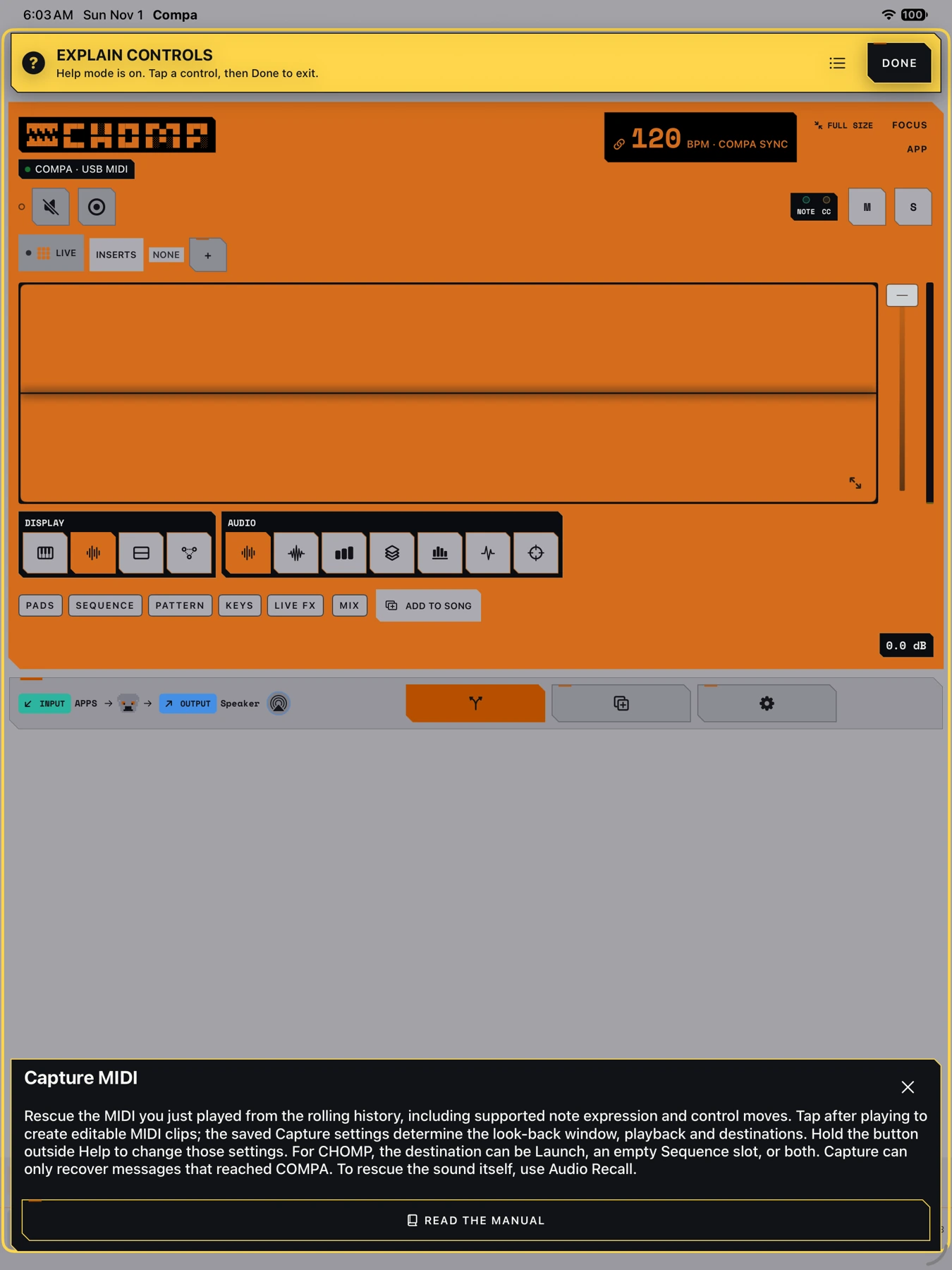
Help mode is one of my favorite practical additions. Tap the yellow question mark and touch a control. You get an explanation of that control, with a link to the exact highlighted manual passage.
There is a lot inside COMPA. The manual and the help system should make that easier to explore without turning every workspace into a wall of labels.
Around the studio, and on your wrist
The phone layouts use the space more carefully. The mixer has Narrow and Wide strips, recognizable instrument identities and peak readings you can reset. Apple Watch adds transport, Capture, tempo, Arrange arm/position and complications. Its active-app Haptic Beat gives you a wrist pulse while you play with the paired iPhone.
DJFX Looper is included as an AUv3 effect. Visual Pads gain editing and automation improvements, and CHOMP gets project, library and sequence refinements. The new coats come from Hunny, Boogie, Bella and ChaCha, with a few brindle options too.
Watch the walkthrough
The video above is a hands-on tour, with chapters so you can go directly to the part you need.
The SP automation demo at 27:04 uses COMPA Relay Mod, an optional firmware modification for the Roland SP-404MKII. The installer is available in Rare Data HQ on macOS. Windows and Linux installers are still being tested. Back up your projects, check your firmware version, and follow the setup instructions. Install at your own risk.
Thank you to everyone who tested builds and sent clear reports. This is a free update for existing owners.
The complete product notes
COMPA 1.5: Rhythm Dog and a more connected song workflow ↗
Versions, formats, release details, and downloads on GetQuota.
Sources & useful links
Join the conversation
Use an existing account to comment. Your display name and comment are public.
For license or purchase questions, email support@getquota.app. Please keep license keys and personal details out of comments. Comment privacy.